Turn every WhatsApp chat into a customer.
WhatsFolks brings broadcasts, a shared inbox, chatbots, auto-replies and a lead pipeline together on your own WhatsApp Business number, so your team can market, answer and sell from one place.
Official WhatsApp Cloud API No code needed Messages encrypted at rest
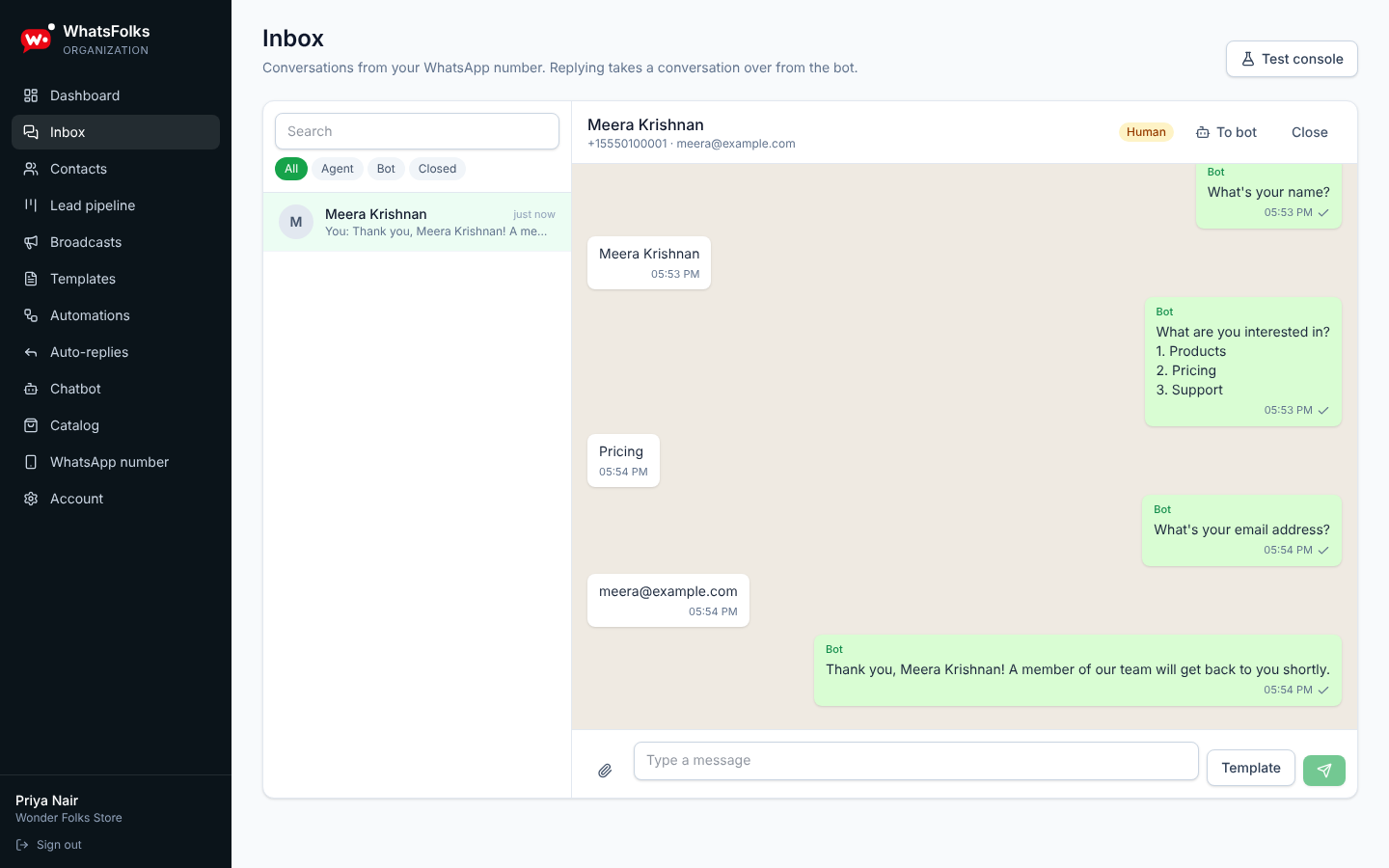
- Shared inbox
- Broadcasts
- Message templates
- Chatbot flows
- Keyword auto-replies
- Trigger automations
- Lead pipeline
- Product catalog
- CSV import
- Tags and segments
- Delivery and read receipts
- Interactive buttons
From first message to closed deal in four steps
Set up once, then let WhatsFolks capture, answer and follow up while your team focuses on selling.
- 1
Connect your WhatsApp number
Link your WhatsApp Business number through Meta's official Cloud API. WhatsFolks verifies it and gives you the webhook to paste into your Meta app.
- 2
Bring in your contacts
Import a CSV or add contacts by hand, tag them into segments and track opt-in. Every new person who messages you is added automatically.
- 3
Reach them with broadcasts
Send Meta-approved templates, images, videos or documents to a tagged audience. Send now or schedule, then watch delivered and read counts live.
- 4
Automate and convert
A chatbot qualifies new inquiries, keyword auto-replies answer common questions, and every inquiry lands in your lead pipeline to close.
One message, every customer, personally addressed
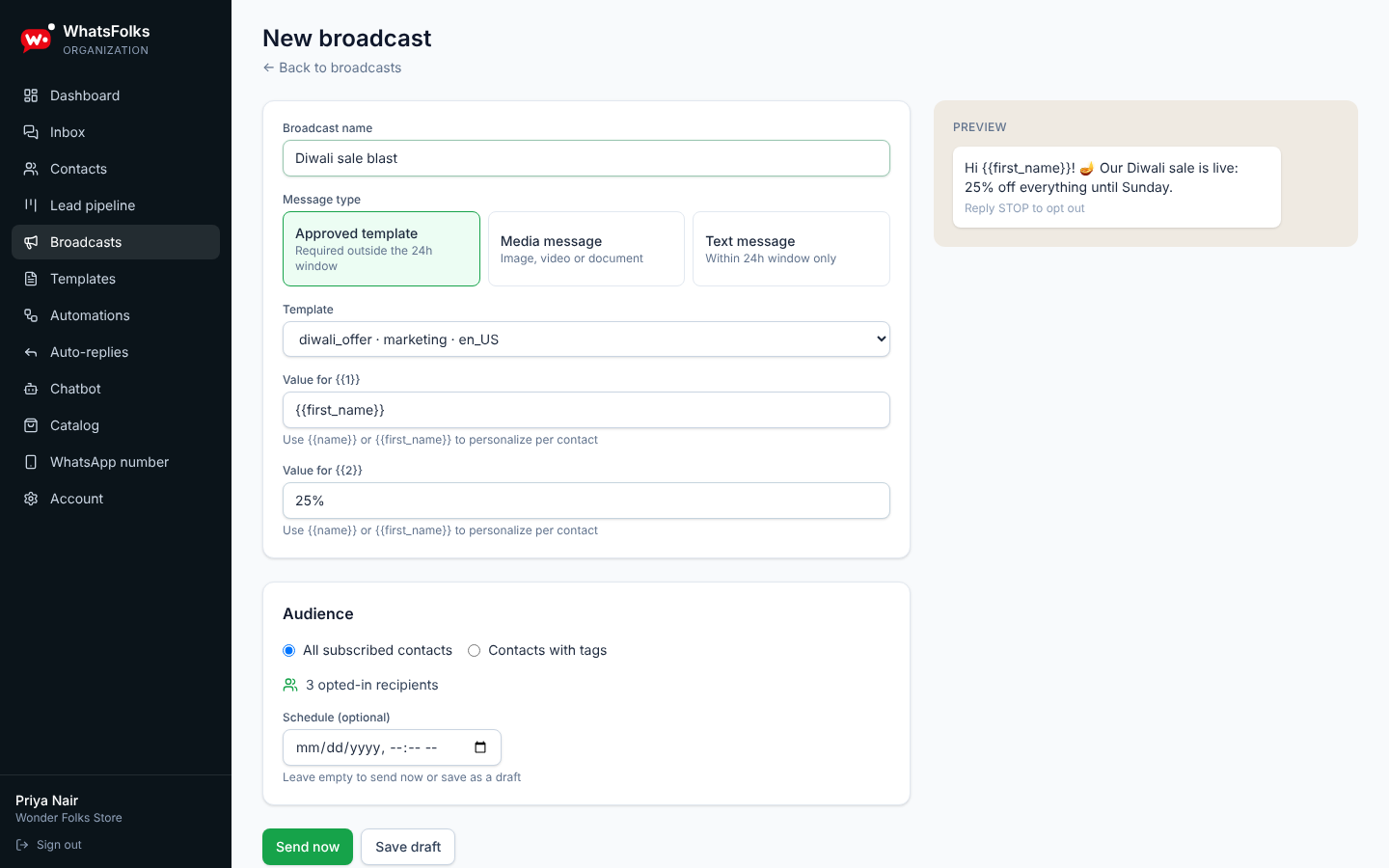
Pick an approved template, fill variables like {{first_name}}, choose an audience by tag and see a live preview before you send.
- Templates, images, videos and documents
- Send now, schedule or save a draft
- Live sent, delivered and read counts
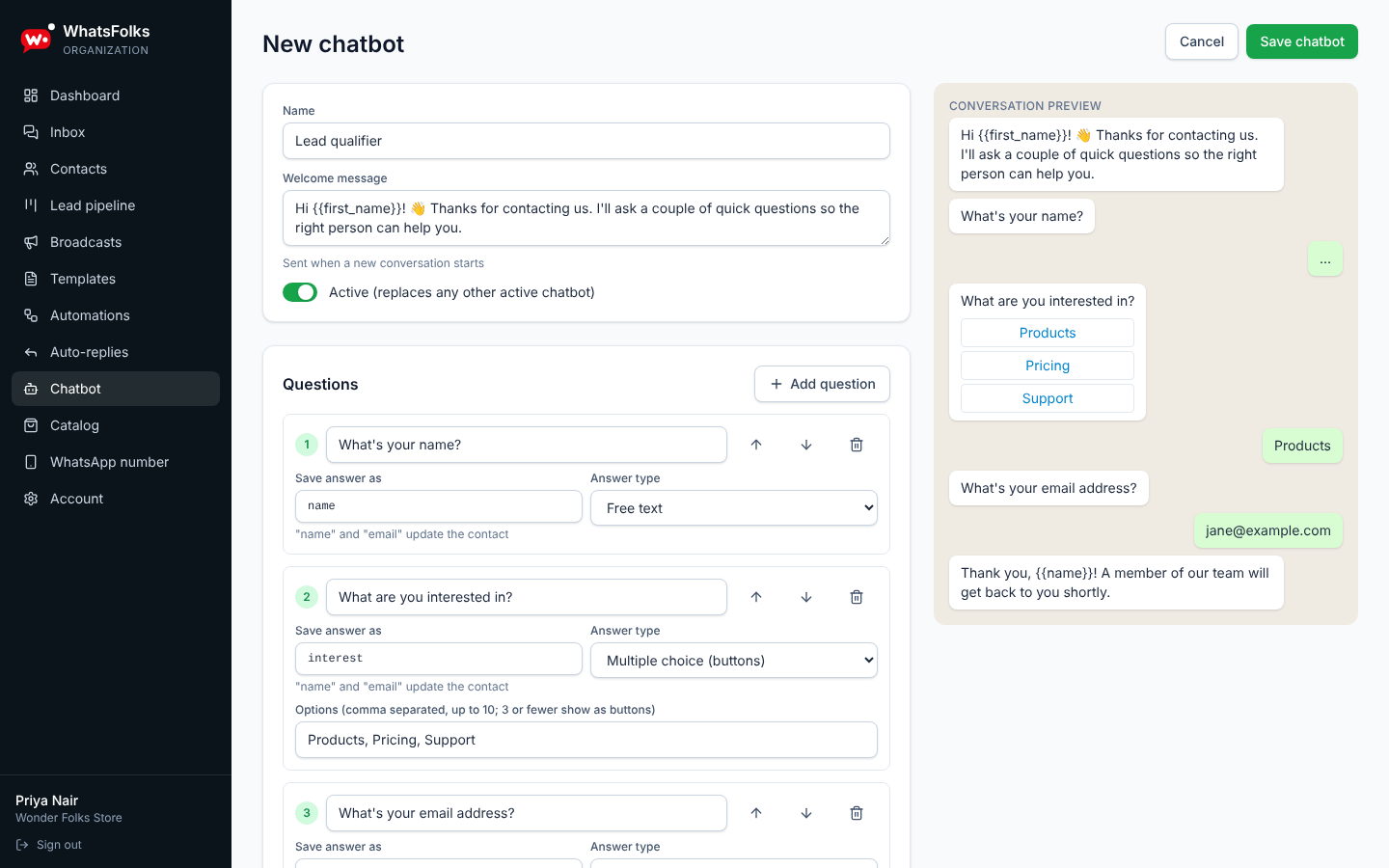
Qualify inquiries while you sleep
Design a question flow once. The bot greets new contacts, collects their details and hands the chat to a person when they ask for one.
- Choice buttons, email and phone checks
- Answers saved to the contact and lead
- Hand-off keywords route to your team
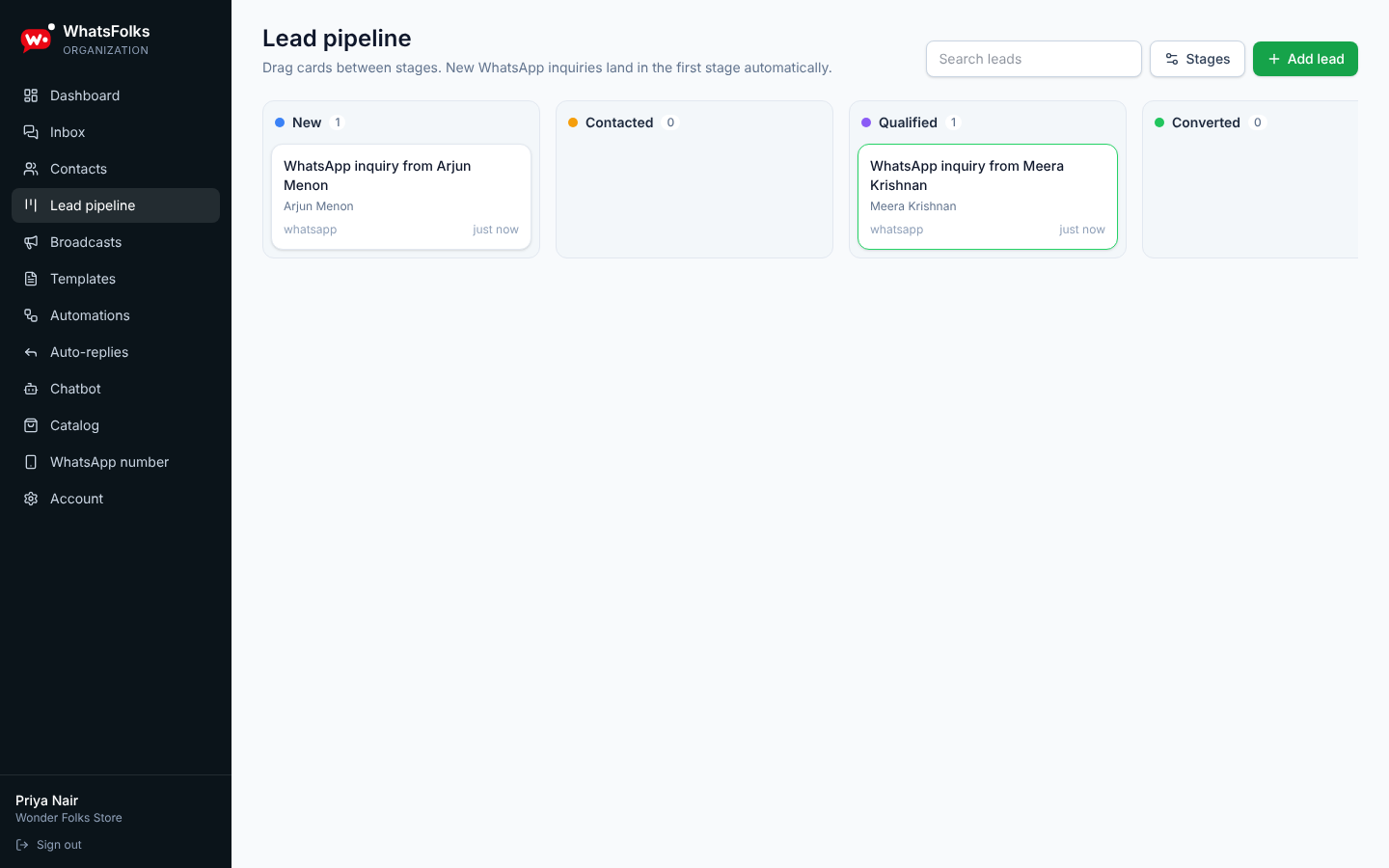
Never lose track of a lead
Every new WhatsApp inquiry becomes a lead in your first stage. Drag it through your pipeline as the conversation moves toward a sale.
- Your own stages and deal values
- Notes and history on every lead
- Automations when a lead changes stage
Everything your team needs on WhatsApp
Nine tools that share one contact list, one inbox and one pipeline.
Shared inbox
Every WhatsApp conversation in one place, with bot and human hand-off and the 24-hour reply window always visible.
Broadcasts
Template, media or text campaigns to tagged audiences, personalised with each contact's name and sent at a safe rate.
Templates
Build headers, bodies, footers and buttons, submit to Meta for approval and track status without leaving the app.
Chatbot
A welcome message and question flow with choice buttons and email and phone validation. Answers are saved to the contact and lead.
Auto-replies
Keyword rules (contains, exact, starts with) with priorities and a built-in tester.
Automations
When a contact is created, a tag is added, a lead changes stage or an order arrives, send a message, tag or move the lead.
Lead pipeline
Drag-and-drop Kanban with your own stages, deal values and notes, fed by every new inquiry.
Catalog
Keep products synced to your Meta Commerce catalog and share them right inside a chat.
Dashboard
Contacts, leads and conversion, delivery and read rates, inbox load and usage against your plan.
Secure, compliant and ready to scale
Your customers' conversations are business-critical. WhatsFolks treats them that way.
Official WhatsApp Cloud API
Built on Meta's Graph API with template approval, delivery and read receipts.
Encrypted at rest
Access tokens, app secrets and every message body are AES-256-GCM encrypted.
Separate workspaces
Each organization's data is isolated, with its own number, contacts and settings.
Secure sign-in
Hashed passwords and httpOnly session cookies, with role checks on every request.
Audit log
Logins, admin changes, WhatsApp connections and broadcasts are all recorded.
Built for volume
A queued sending engine respects Meta's rate limits and retries automatically.
Ready to grow on WhatsApp?
WhatsFolks accounts are set up for each business by the platform administrator. Once your organization is created you will receive a username and password to sign in.